Nail Salon POS: Tip Handling, Retail, and Commission Math
The POS features that automate tip allocation, retail commission, and end-of-day cash-out for nail salons.
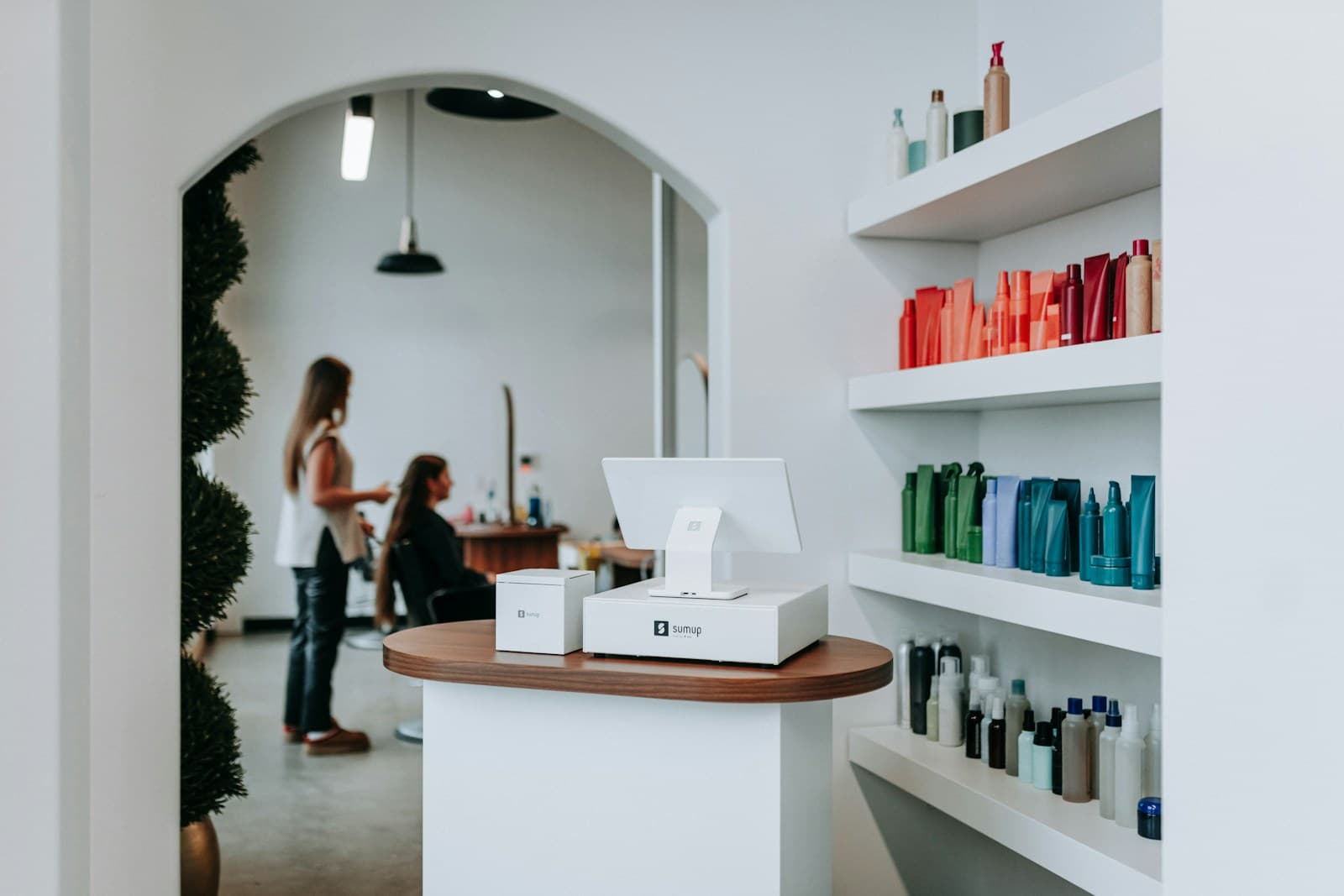
Tip allocation automation is the single POS feature that saves nail salon owners the most weekly time — typically 3–5 hours per week at a salon with 4+ technicians. The process of manually calculating tips per tech at end of day, reconciling cash with card tips, and ensuring retail commission is attributed correctly is where most of that time goes. A well-configured POS eliminates it.
Why Does POS Configuration Matter for Nail Salons?
Nail salons have more complex end-of-day math than most service businesses: multiple technicians, mixed service and retail sales, tips that vary by tech and service type, and cash that needs to reconcile with card transactions.
A POS that handles this math automatically produces a per-tech daily payout report. One that doesn't requires a manual reconciliation process that takes time and introduces errors.
The 3.5-hour weekly savings is the equivalent of almost one full work day per month. For an owner-operator who is also doing services, that time comes directly out of client-facing hours or personal time.
How Should Tip Handling Work in a Nail Salon POS?
Tip handling has three components that must each work correctly: collection, allocation, and reporting.
Collection. Tips should be collected at the card reader at checkout, not separately. The POS should present a tip prompt with suggested amounts (15%, 20%, 25%, and custom) on the customer-facing screen. Suggested tip amounts generate tips on 40% of transactions; a blank field generates tips on 8% (Zatrovo benchmark, 2026).
Allocation. Tips are assigned to the technician who performed the service. For single-tech appointments, this is automatic. For split-service appointments (e.g., gel mani with tech A, pedicure with tech B), the POS should split the tip proportionally based on service price or allow manual allocation at checkout.
Reporting. Daily tip reports should show each tech's tip total separately from service revenue. Monthly tip reports aggregate totals for payroll and tax reporting.
How Do You Track Retail Commission Accurately?
Retail commission tracking requires linking each retail sale to the recommending technician — not just the cashier who processed it.
The four-step retail commission workflow:
-
Point of sale assignment. When a client checks out, the POS associates retail items with the technician who is assigned to their appointment. If the tech who does the nails is the same one who recommended the cuticle oil at checkout, this happens automatically.
-
Commission rate configuration. Pre-configure each technician's retail commission rate in the platform (typically 8–15% of retail sale price). This is a one-time setup per tech.
-
Split commission rules. For products sold without a direct service (e.g., a client who walks in specifically to buy nail polish), the POS needs a default commission assignment rule — typically to the staff member who rang the sale.
-
Reporting. End-of-day and month-end reports break out retail commission separately from service commission per tech. This supports transparent technician conversations and reduces disputes.
What Does End-of-Day Cash-Out Look Like With an Automated POS?
With a properly configured POS, end-of-day cash-out should take 10–15 minutes maximum for a 4-technician salon.
The process:
- POS generates end-of-day report: total sales, service revenue per tech, retail sales per tech, tips per tech, and any discounts applied
- Staff verify cash drawer balance matches cash transaction total (POS shows expected cash in drawer)
- Any discrepancies are flagged and investigated before closing
- Each tech's payout is calculated automatically: service earnings + tips + retail commission
- Physical cash payouts are made from the drawer; card earnings are settled with the payment processor batch
The common mistake: closing out the POS before reconciling the cash drawer. Cash discrepancies discovered the next day are much harder to trace to the specific transaction.
What POS Features Do Nail Salons Need That Generic POS Systems Often Lack?
Four features that are standard in salon-specific POS but often missing from generic systems (Square, Clover):
Per-technician service assignments. The POS needs to know which technician performed which service for each appointment. Generic POS systems don't have this — they track sales, not service providers.
Appointment-to-POS linkage. When a client checks out, the POS should pull their appointment details automatically — service type, serving tech, duration. Without this link, every checkout is a manual data entry.
Configurable tip prompts. Suggested tip amounts configured for the salon's service range. A $35 manicure has different appropriate tip amounts than a $95 full set.
Gift card balance tracking. Full gift card lifecycle — sale, balance tracking, partial redemption, expiry. Generic POS systems handle this inconsistently.
Platforms active in the nail salon market include Square, Vagaro, GlossGenius, and Clover. Each handles basic tip collection and sales reporting. Where they differ is in appointment-to-POS integration and per-tech commission automation.
For the full nail salon operations system, see the nail salon operators handbook and nail tech commission guide.
Run your studio on Zatrovo
Appointment-linked POS, automated tip allocation, retail commission tracking — all in one platform for nail salons.

We write playbooks for studio operators — based on data from thousands of studios running on Zatrovo across pilates, yoga, lash, nail, massage, salon, dance, and fitness.
Related reading
Nail Salon Booking Software: What Walk-Ins Actually Need
Booking features that handle walk-ins, wait times, and tech rotation — the operational realities of nail.
Nail Salon Software Hub: Booking, POS, and Management Tools for Nail Salons
Every nail salon software guide organized by use case — appointment management, POS integration, client loyalty, and the comparison guides that simplify the decision.
Nail Tech Commission: 50/50, 60/40, or Hourly + Tips?
Three pay structures with tax implications, retention data, and the point where each wins.