Nail Salon Front Desk: Scripts, Upsells, and Shift Coverage
Front desk scripts and upsell cues that raise average ticket by 18% without feeling pushy.
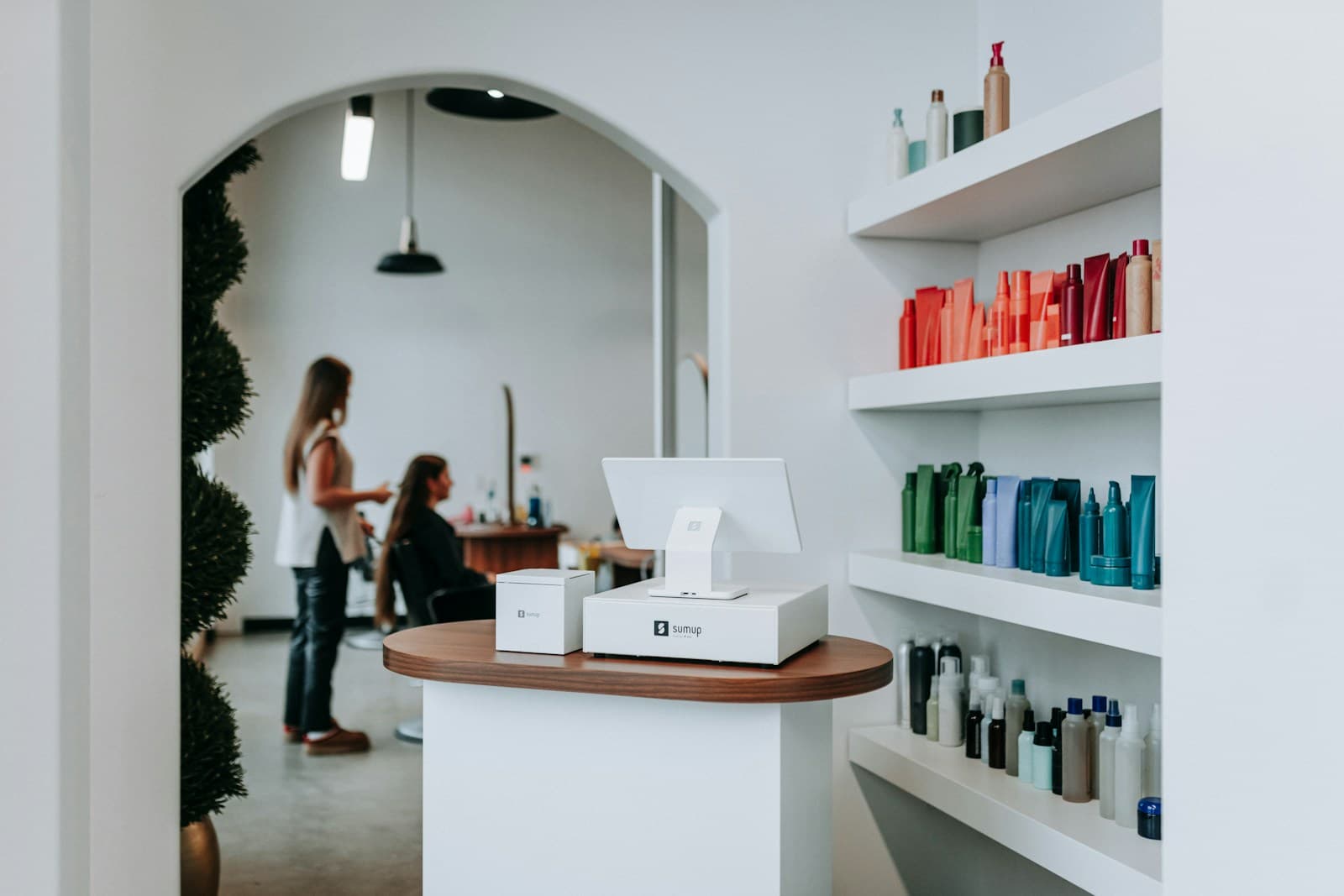
Nail salon front desk upsells happen at check-in, not at checkout. By the time a client is paying and ready to leave, the decision window is closed. The scripts that raise average ticket by 18% all happen in the first 90 seconds of the visit — before the client sits down with their tech. Here's the full playbook.
Why Check-In Is the Upsell Window, Not Checkout
Checkout is too late. The client has mentally concluded their experience. They're calculating what they owe, thinking about their next errand, and not in a mental state for additional decisions.
Check-in is the opposite. The client just arrived. They're in selection mode — they chose to come here today. They're open to options. A specific, low-friction upsell at check-in hits while the decision-making part of the visit is still happening.
What Does the Check-In Script Look Like?
The script has three components: confirm the service, surface one add-on, and hand off to the tech.
Script — standard client check-in:
"Hi [name], I've got you down for a [service] with [tech] — she'll be ready in about [X] minutes. We have [add-on] as an option today — [one-sentence benefit]. Want me to add that? It's $[price]."
The add-on should be contextually relevant to the service booked. Clients booked for pedicures get the paraffin wax or extended massage add-on. Clients booked for standard manicures get the gel top coat upgrade. Clients booked for full sets get the nail art accent option.
Add-on pairing guide:
What Does the Walk-In Queue System Look Like?
Walk-ins are a significant revenue stream for most nail salons. Managing them well means capturing clients who would otherwise leave — and managing expectations for clients who wait.
Two-board system:
Board 1 (visible to clients): Technician availability display. Shows each tech's name and status: Available, With Client (estimated done time), On Break (estimated return).
Board 2 (desk-side clipboard): Walk-in queue list. Name, service requested, arrival time. When a tech becomes available, the front desk calls the first name on the list.
Script — walk-in with a wait:
"Right now [tech] is finishing up in about 20 minutes — I can put you on the list for her. Is 20 minutes workable for you?"
Specific wait time, specific tech name, specific question. Clients given a specific wait time wait at 60–70% rates. Clients told "it shouldn't be long" wait at under 40% rates (Zatrovo benchmark, anecdotal).
What Are the Shift Coverage Rules?
Clear rules prevent the coverage scramble that leaves a front desk unstaffed during peak hours.
Rule 1: For voluntary absences (personal appointments, planned events), 24 hours minimum notice.
Rule 2: The staff member must find their own replacement before notifying management. Post a coverage order on a shared group chat — who gets offered the shift in what order.
Rule 3: Emergency absences (illness, family emergency) follow a different protocol: notify management immediately, and management activates the coverage list. The absent staff member is not responsible for finding cover.
Rule 4: Staff who cover shifts on less than 6 hours notice receive a shift bonus ($15–$25). This incentivizes fast coverage without making management responsible for premium pay in planned situations.
What Is the Daily Front Desk Checklist?
Opening:
- [ ] Confirm all techs scheduled are confirmed
- [ ] Set up availability board with starting status for each tech
- [ ] Restock retail display (nail care kits, cuticle oil, top coats)
- [ ] Test booking tablet and payment terminal
- [ ] Review today's roster — flag any new clients for add-on upsell
During shift:
- [ ] Check in every client by name, offer contextual add-on at check-in
- [ ] Update availability board in real time as techs start and finish
- [ ] Manage walk-in queue with specific wait times
- [ ] Log any complaints or service issues
Closing:
- [ ] Reconcile retail sales against inventory
- [ ] Send daily summary to owner: appointments, walk-ins, add-on sales, issues
- [ ] Confirm tomorrow's opening roster
For broader nail salon operations guidance, read the nail salon operators handbook. For scheduling walk-ins alongside appointment-book clients, see our nail salon walk-in scheduling guide. And for nail tech compensation structures, read our nail tech commission guide.
Run your studio on Zatrovo
Manage nail salon scheduling, walk-in queues, and front desk upsells on one platform.

We write playbooks for studio operators — based on data from thousands of studios running on Zatrovo across pilates, yoga, lash, nail, massage, salon, dance, and fitness.
Related reading
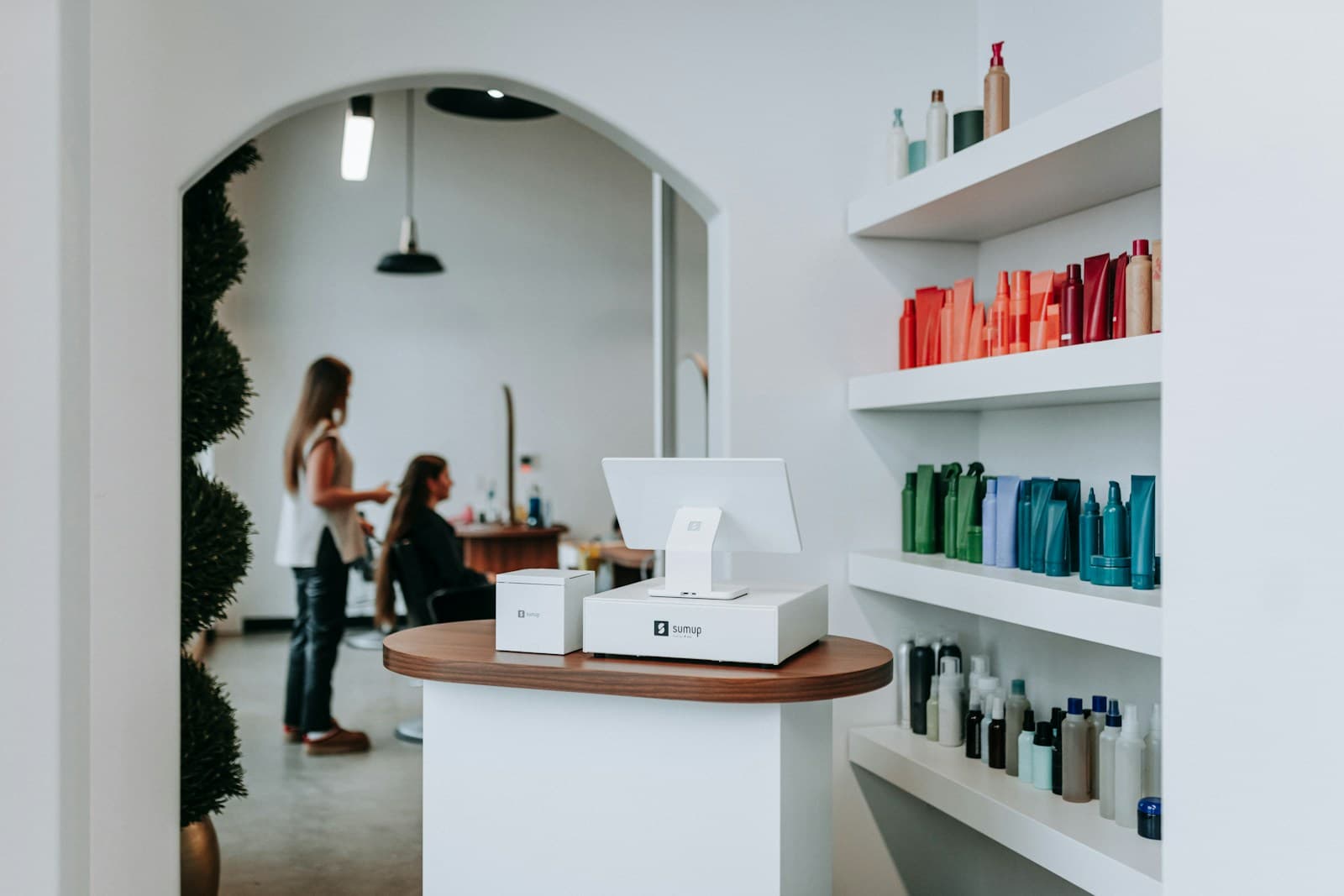
Nail Salon Daily SOP: Sanitation, Station Reset, Walk-Ins
The exact daily operational flow — sanitation blocks, tech rotations, walk-in protocols.
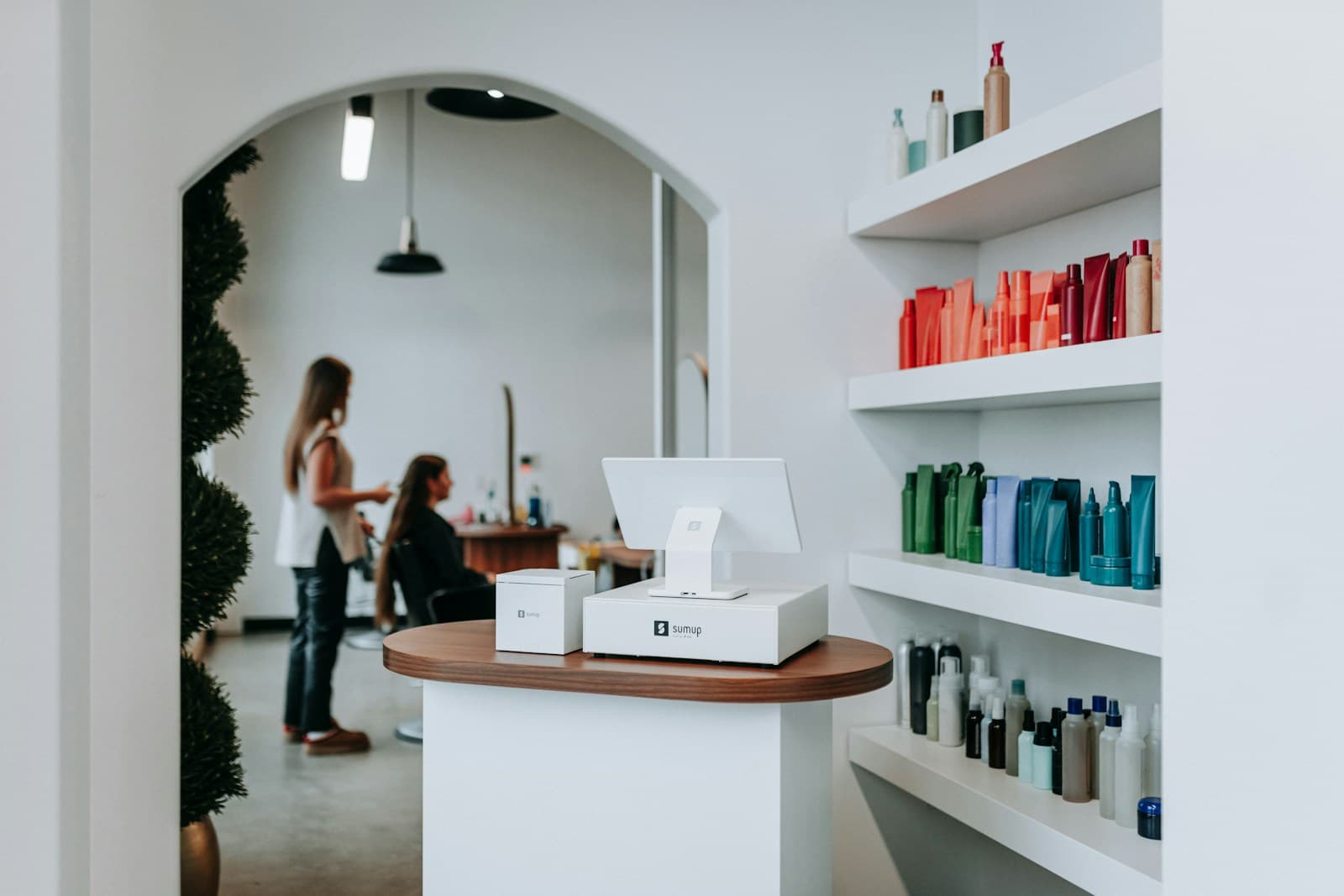
Nail Salon Software Hub: Booking, POS, and Management Tools for Nail Salons
Every nail salon software guide organized by use case — appointment management, POS integration, client loyalty, and the comparison guides that simplify the decision.
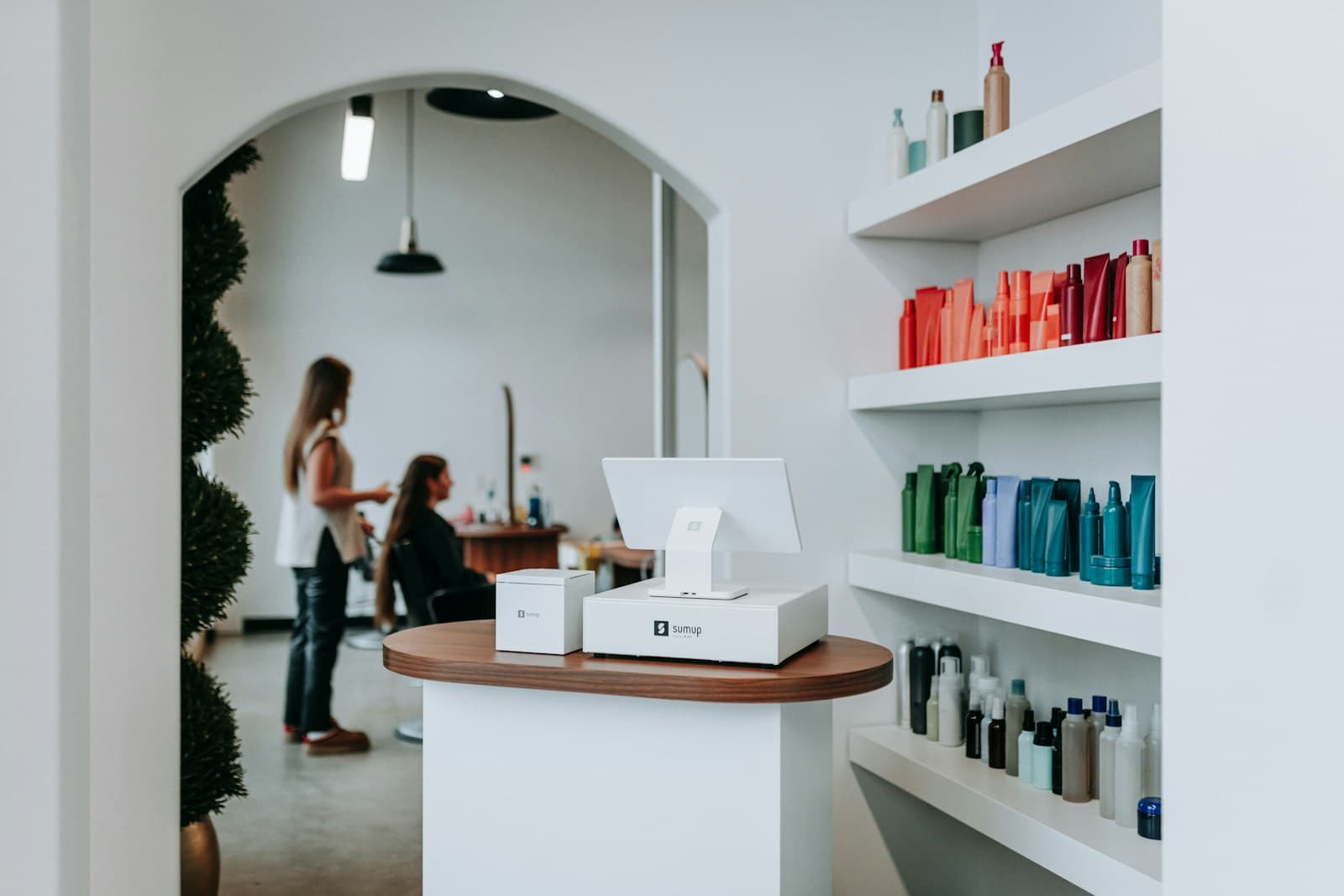
Nail Salon Walk-In Scheduling: Capturing the Whim
Software-enabled walk-in booking — wait-time estimates, tech availability, queue display — that captures drop-in revenue.