Nail Salon Walk-In Scheduling: Capturing the Whim
Software-enabled walk-in booking — wait-time estimates, tech availability, queue display — that captures drop-in revenue.
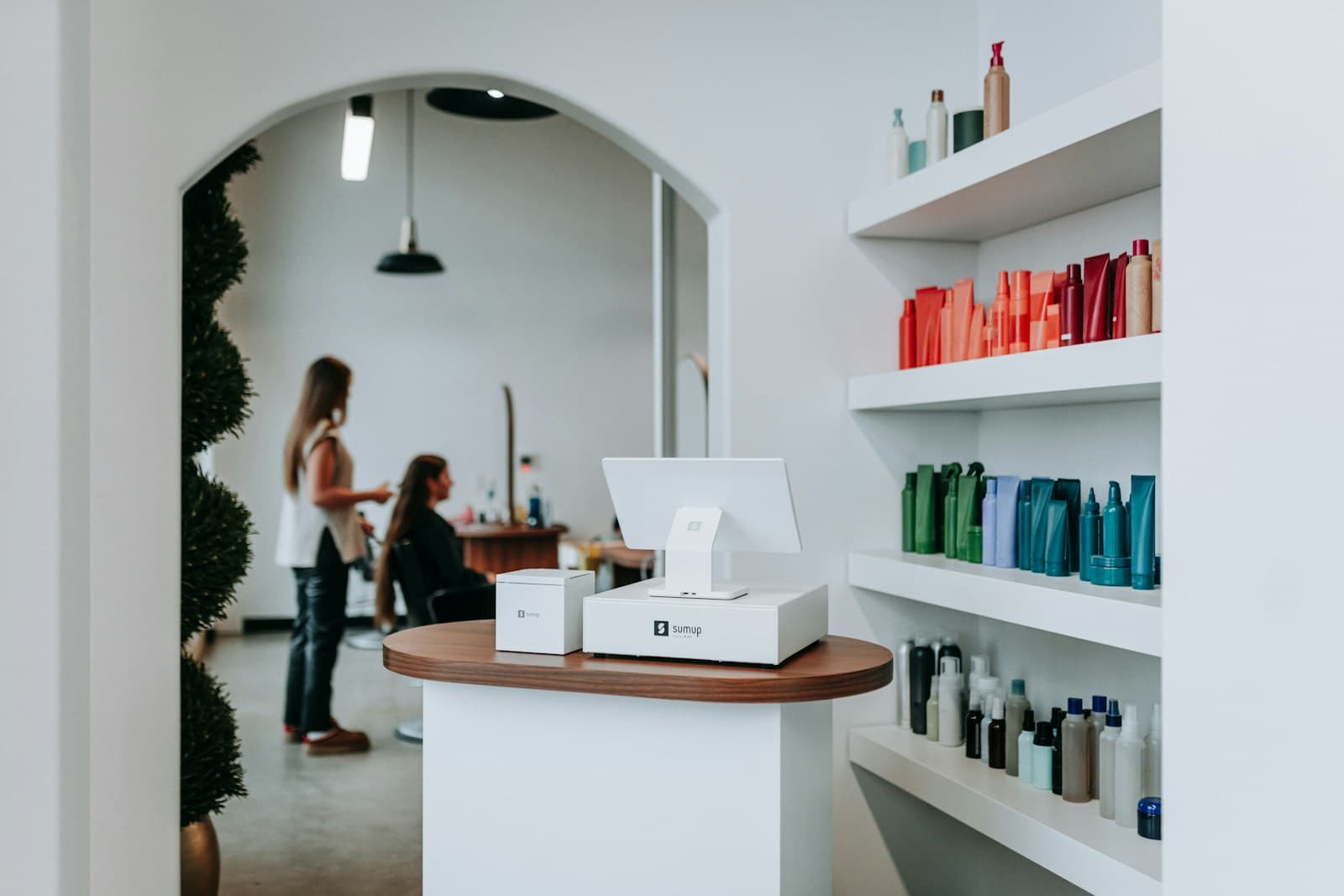
Walk-in revenue at nail salons is lost primarily at one moment: when a client arrives, sees no information about wait time, and leaves. The fix isn't a walk-in cap — it's a wait-time display. Salons with real-time availability visible to walk-in clients capture 40–55% of those clients; salons without it capture 20–30%.
Why Do Nail Salons Lose Walk-In Revenue?
The gap is information, not capacity.
A client who walks in and sees four technicians at chairs with no visible queue has no way to know if the wait is 5 minutes or 45 minutes. Without that information, they either interrupt staff to ask (creating friction) or leave. Both outcomes are worse than a simple "Current wait: 15 minutes" sign.
The 12-minute threshold is important. Clients are willing to wait up to about 12 minutes without friction. If your average wait time during peak hours is 20–30 minutes and you want to capture walk-ins, the queue SMS (a text when the technician is nearly ready) solves the problem — clients can leave and return rather than sit and wait.
What Information Does a Walk-In Client Need to Make a Decision?
Three pieces of information, displayed visibly:
- Current wait time estimate — not a vague "we'll be right with you" but a specific "approximately 15 minutes"
- Available technicians — how many are currently free or nearly free, and for which services
- How to join the queue — a simple action (text your name to this number, or write it on this list)
Anything more complex than this creates friction that costs you the walk-in. A kiosk check-in process with 8 steps is worse than a whiteboard with tech availability and wait times.
How Do You Build a Software-Enabled Walk-In Queue?
A digital walk-in queue has three components:
Check-in mechanism. Walk-in clients register their name and desired service via a front-desk tablet, a text shortcode, or a QR code linking to a check-in form. This creates a queue record in your booking software.
Wait-time calculation. The platform estimates wait time based on currently active appointments, their remaining duration, and technician availability. More sophisticated platforms factor in service type requested and match the walk-in to the best-fit technician for that service.
Client notification. When the walk-in's technician is 5–10 minutes from being available, the platform sends an automatic SMS. The client can return to the salon floor rather than sitting in the lobby.
How Do You Balance Walk-Ins With Pre-Booked Appointments?
Pre-booked clients always take priority, but the scheduling structure matters.
The target: 60–70% of each technician's daily capacity pre-booked, 30–40% available for walk-ins. This gives you revenue floor certainty (the pre-booked 65%) while preserving walk-in capture upside.
The mistake: accepting walk-ins into slots you'll need for pre-booked clients. If a technician has a 2pm appointment booked and a walk-in arrives at 12:45pm needing a 90-minute service, accepting that walk-in means the 2pm client waits or is rescheduled.
For walk-in heavy days (Saturday, holiday weekends), brief the technicians at the start of the shift on which times have confirmed appointments and which blocks are walk-in eligible. Pre-shift visibility prevents the mid-afternoon booking conflict.
What No-Show Policies Apply to Walk-In Clients?
Walk-ins who join a digital queue and receive an SMS notification but don't return are not a no-show in the traditional sense — they haven't made a reservation. But they've held a queue position that prevented another walk-in from being served.
Handle this pragmatically: if a walk-in who received their "ready in 10 minutes" SMS doesn't arrive within 15 minutes of the notification, release the position to the next person. No fee, no friction. Send one follow-up SMS ("Your technician is ready — please check in at the front desk") and then move on.
For walk-in clients who book same-day via your online booking tool (not a queue), standard cancellation policy applies. A 2-hour notice window for same-day cancellations is reasonable for nail services.
For the full nail salon no-show policy framework, see nail salon no-show fees.
How Do You Use Walk-In Data to Optimize Staffing?
Walk-in timestamps and service types are your demand data.
If your digital queue shows 40% of Friday walk-in requests are gel manicures between 5–7pm and you have only one technician who specializes in gel, you have a staffing gap at a specific time that you can address by scheduling a second gel specialist during that window.
Track three walk-in metrics monthly:
Walk-in volume by day and hour — identifies your highest walk-in demand windows
Walk-in conversion rate — percentage who joined the queue vs. were actually seated
Walk-in service type distribution — which services are walk-ins requesting most often
This data is only available if you're running a digital queue that logs the requests. A paper sign-in sheet captures arrivals but not declined walk-ins or service type distribution.
For the broader nail salon operations system, see nail salon operators handbook and the nail salon daily SOP.
According to the Professional Beauty Association, nail salons are among the most walk-in-dependent beauty businesses in the US, with 35–55% of revenue coming from unbooked clients depending on location and market type. The technology investment to capture that walk-in revenue has never been more accessible.
Run your studio on Zatrovo
Digital walk-in queues, same-day booking, and tech availability display — all in Zatrovo's nail salon platform.

We write playbooks for studio operators — based on data from thousands of studios running on Zatrovo across pilates, yoga, lash, nail, massage, salon, dance, and fitness.
Related reading
Nail Salon Software Hub: Booking, POS, and Management Tools for Nail Salons
Every nail salon software guide organized by use case — appointment management, POS integration, client loyalty, and the comparison guides that simplify the decision.
Nail Salon Front Desk: Scripts, Upsells, and Shift Coverage
Front desk scripts and upsell cues that raise average ticket by 18% without feeling pushy.
Nail Salon Daily SOP: Sanitation, Station Reset, Walk-Ins
The exact daily operational flow — sanitation blocks, tech rotations, walk-in protocols.