Switching Salon Software Without Losing Client History or Appointments
A migration plan that preserves client notes, appointment history, and recurring memberships during a salon software switch.
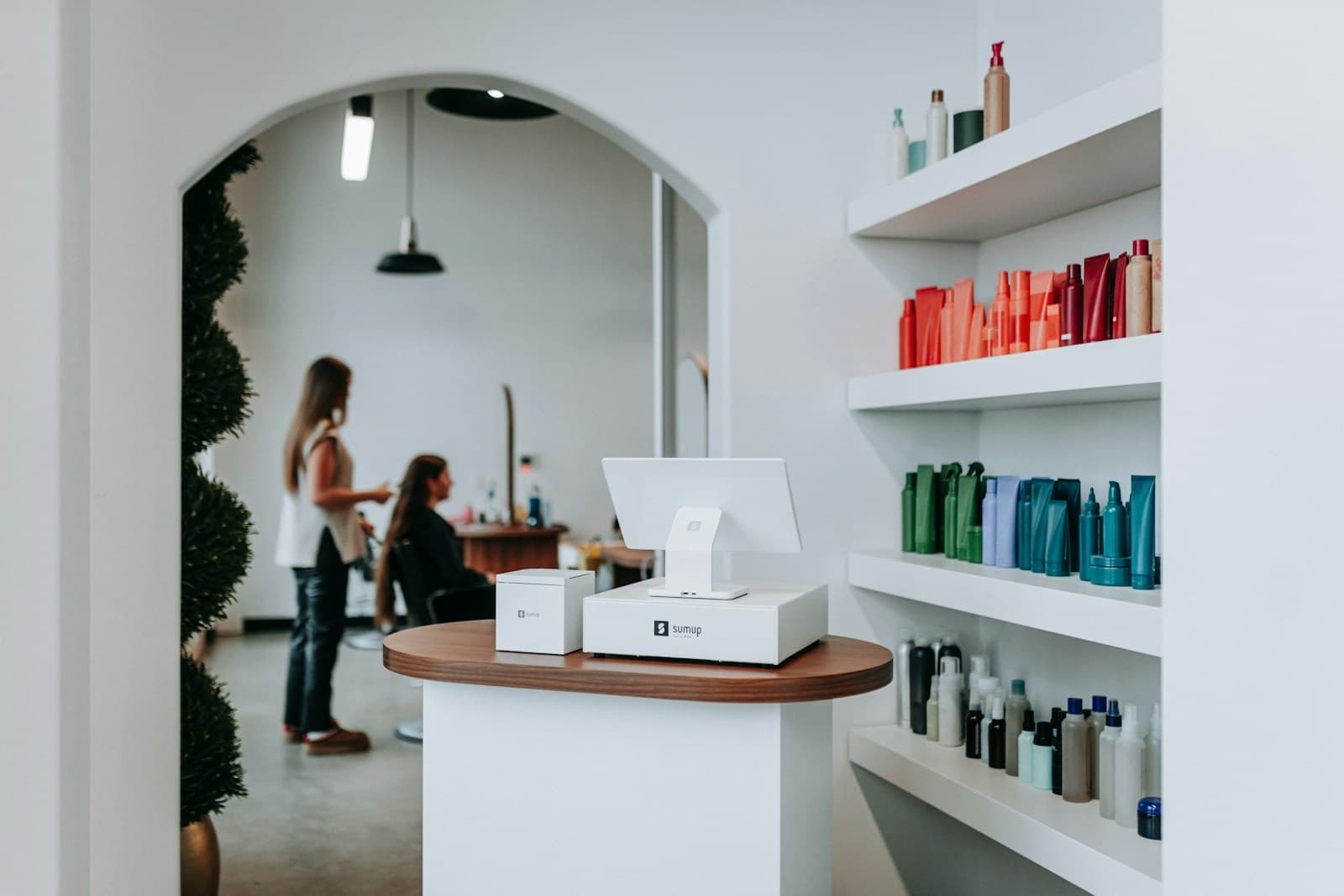
Client notes and formula cards are the most valuable data in a salon — and the most likely to get lost in a migration. Most salons that switch software lose formula history not because it can't be exported, but because no one exports it before the transition starts. The 4-Step Salon Migration Protocol below prevents that.
Why do salons lose data during a software switch?
The loss almost always happens at the same point: the day the old subscription is cancelled before the export is complete.
Salon software platforms don't automatically push your data to the new tool. Export is a manual step. Formula cards, service notes, and loyalty point balances sit inside client profiles that require a specific export path — often different from the standard appointment history export. If you cancel before pulling them, recovery is difficult and sometimes impossible.
The other common loss point is appointment history. Clients who have been coming for three years have 150+ appointments on file. That history informs rebooking intervals, preferred stylist matching, and seasonal demand patterns. It's worth the 20 minutes to export it.
What is the 4-Step Salon Migration Protocol?
The 4-Step Salon Migration Protocol structures the switch into: Export, Import, Parallel Run, and Cutover. Each step has a defined end state before you move to the next.
Step 1: Export. Pull all data from the current platform before doing anything else. Client CSV, appointment history CSV, formula note export (check your platform's help docs for the exact path), membership and pack balances, staff profiles and schedules.
Step 2: Import. Load client records into the new platform. Most modern salon software accepts a standard CSV with name, email, phone, and notes fields. Some platforms have a dedicated migration team — use them.
Step 3: Parallel Run. Run both systems simultaneously for 7–14 days. New bookings go into the new system. Existing appointments are honoured in the old system. Staff learn the new platform on live bookings with a safety net.
Step 4: Cutover. Set a hard date. Update your booking links (website, Google Business, Instagram bio). Notify clients. Keep read-only access to the old system for 30 days.
Which data survives a migration and which doesn't?
The formula and color notes column is where salons feel the most pain. A client arrives six weeks after the switch, expects their usual tone, and the new stylist has no reference point. That's not a software problem — it's a migration gap that could have been avoided.
How do you migrate recurring memberships without disrupting billing?
Memberships are the trickiest migration item because payment methods cannot be transferred between platforms. The card stored in Vagaro or Boulevard cannot be moved to Zatrovo or Square.
The cleanest approach is a billing cycle handoff. Let existing members complete their current billing cycle on the old platform. Two weeks before their next renewal date, send a targeted email: "We're moving to a new booking system on [date]. Your membership continues at the same rate — you just need to re-enter your payment details." Include a direct link to the new membership signup page.
Members who are mid-cycle when you switch have already paid for that period. Honor that by keeping the old system active for their remaining days, or issue a credit on the new platform equivalent to the unused portion.
What do you tell clients — and what do you skip?
Clients need three pieces of information: when the new system goes live, where the new booking link is, and whether their credits or appointments are preserved. They do not need to know which software you chose or why you switched.
The announcement email:
Subject: We've updated our booking system — here's what you need to know
Body: We've moved to a new booking system as of [date]. Your appointments are fully transferred. [If applicable: Your membership and pack credits carry over.] You can now book at [new booking link]. If anything looks off, reply to this email and we'll sort it.
That's it. Under 100 words. Clients who have been clients for years will forward it once and move on.
Avoid over-communicating. Multiple "big news" emails before the launch create anxiety. One announcement email plus a booking confirmation from the new system is the right sequence.
How do you handle appointment history for new stylists?
New staff joining your salon after the migration may not have access to historical client notes. This is a training and process problem as much as a software one.
When a client books with a new stylist post-migration, the client profile should carry their appointment history and notes. If your new platform doesn't surface historical notes in the booking view, add a manual step: the new stylist reviews the client profile before the appointment, not at the chair.
For formula-heavy services — color, chemical treatments — build a "first appointment protocol" for new client-stylist pairs regardless of history. This creates a consistent experience whether or not historical data exists.
What should you check before going fully live on the new system?
Run through this checklist before cutover:
- All active clients imported with contact details correct
- Formula and service notes visible in client profiles
- At least three test bookings completed end-to-end (book, reminder, check-in)
- Payment processing tested with a real card
- Membership and pack balances verified against the old system
- Staff schedules built and visible
- Booking link updated on all external surfaces (website, Google, social profiles)
- Old booking link redirected or removed
Skipping the test booking step is the most common cause of day-one chaos. Watching one real booking flow through from confirmation to check-in catches configuration errors that would otherwise surface with a live client at the desk.
For a broader look at selecting the right salon software before you migrate, see the hair salon booking software guide and the running a modern hair salon playbook.
What's the most common post-migration complaint and how do you prevent it?
"My stylist doesn't have my notes." This is the number one complaint in the first 30 days post-migration, and it's entirely preventable.
Fix it before it surfaces: after importing client records, run a spot-check of 20 randomly selected active clients. Verify their notes transferred. If notes are missing for any of them, audit the full import before going live.
The second most common complaint is a broken or changed booking link. Update every external reference — website header, Google Business profile, Instagram bio, Facebook page, email signature — on cutover day. Don't leave old links active.
For detailed guidance on what to look for in a replacement platform, the hair salon operations manual covers the full technology stack a modern salon needs.
Run your studio on Zatrovo
Switch to Zatrovo with full client import support — formula notes, history, and memberships included.
Sources:
- Vagaro data export guide — Vagaro Help Center
- Boulevard migration documentation — Boulevard Support

We write playbooks for studio operators — based on data from thousands of studios running on Zatrovo across pilates, yoga, lash, nail, massage, salon, dance, and fitness.
Related reading
Hair Salon Booking Software: 8 Features That Actually Reduce No-Shows
Booking features that specifically reduce no-shows in salons — deposit capture, automated reminders, and cancellation flow.
Barbershop Booking Software: Walk-Ins, Chairs, and Rebooking Tools
Barbershop booking software has to serve walk-ins, chair renters, and rebooking at once. Here is how to pick one and run it without losing Saturday.
Hair Salon Operations Manual: The SOPs That Survive Staff Turnover
SOPs covering open/close, color mixing, sanitization, and client notes so quality holds when someone leaves.