Beauty Studio Scheduling: Treatment Buffer Times That Stop Your Day From Running Late
Buffer time logic for beauty treatments — by treatment type, skin condition, and therapist — that prevents the cascading late start that erodes client satisfaction.
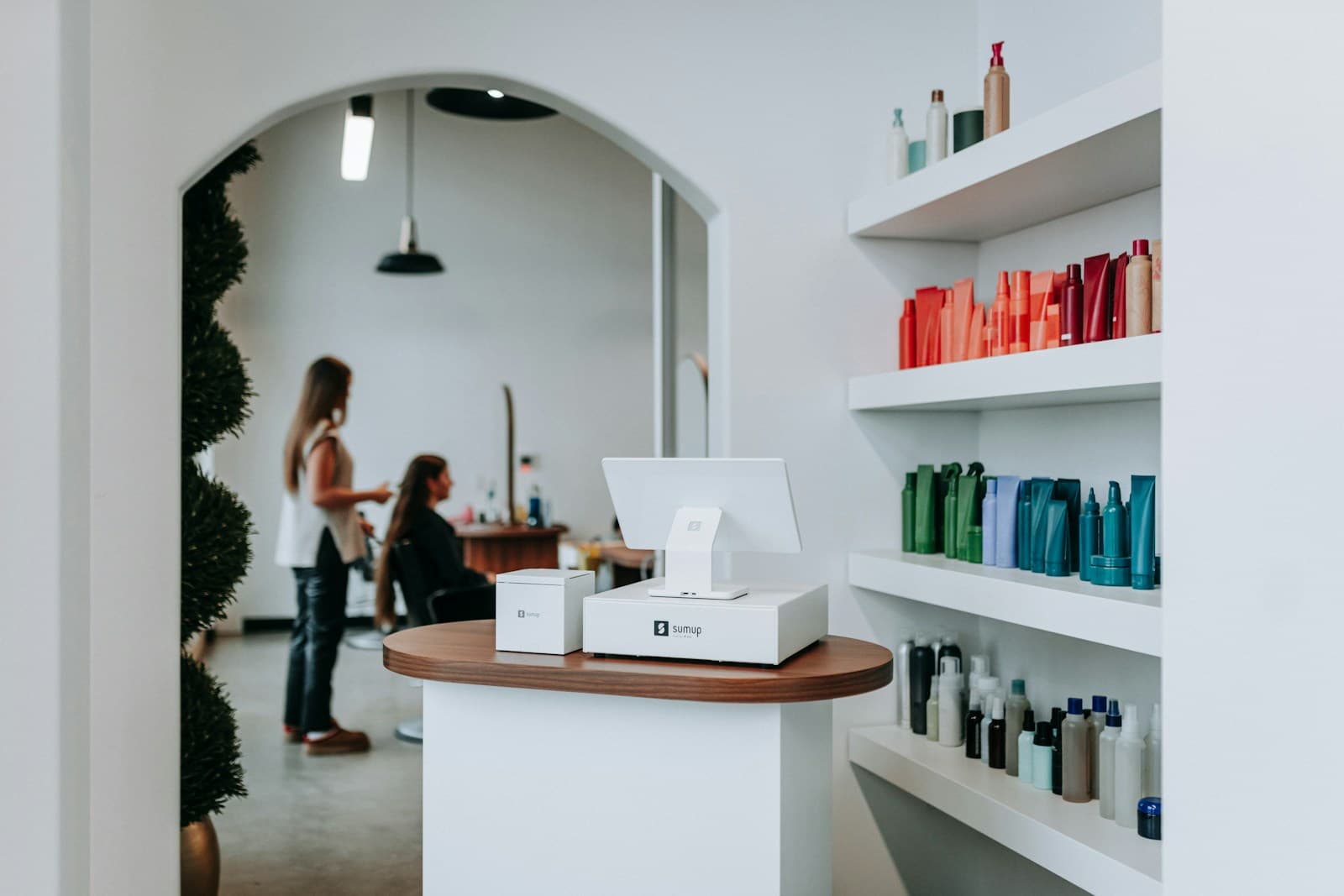
Running late is the single most common complaint in beauty studio reviews — and the root cause is almost never effort. It's buffer time that's misconfigured or absent. Studios that build treatment-specific buffers directly into their scheduling software eliminate the cascading late start that turns a good facial into a stressful appointment.
Why Do Beauty Studios Run Late?
The most common cause is optimistic scheduling — booking treatments back-to-back with zero time for room reset, documentation, and client transition.
A 60-minute facial that runs to exactly 60 minutes still requires 10–15 minutes to strip the treatment bed, sanitize, restock consumables, and prepare the room for the next client. If the next client is booked at 60 minutes, they're waiting before they've even sat down.
What Is the Treatment Buffer Framework?
The Treatment Buffer Framework assigns buffer time in three components: Room Reset Time, Documentation Time, and Client Transition Time.
Room Reset Time: Physical room preparation — strip the table, sanitize surfaces, restock, reset equipment. Ranges from 5 minutes (express treatment) to 15 minutes (advanced treatment with multiple product applications).
Documentation Time: Treatment notes, skin condition updates, contraindication flags, and next appointment recommendations. This is where most studios cut corners. For medical-grade treatments, documentation takes 5–10 minutes. For standard facials, 3–5 minutes. Skipping it means missing contraindications on the next visit.
Client Transition Time: Client getting dressed, reviewing aftercare, scheduling follow-up, and checking out. Varies from 5 minutes (express treatment) to 10 minutes (advanced treatment with detailed aftercare instructions).
Add these three components per treatment type. That sum is your minimum buffer.
What Buffer Times Should You Set by Treatment Type?
These buffers mean a therapist performing a standard facial cannot book a back-to-back appointment less than 85 minutes after the previous client arrives (60 min treatment + 25 min buffer). Build this constraint into your scheduling software so clients cannot book into buffer windows.
How Do You Configure Buffers in Your Booking Software?
Most booking platforms allow "break time" or "buffer time" settings at the appointment type level. In Vagaro, Square Appointments, and similar platforms, this appears as "Setup" and "Cleanup" time in the appointment type configuration.
Set the buffer as cleanup time, not setup time. Cleanup time appears after the appointment ends — the correct position. Setup time adds buffer before the appointment starts, which shifts your whole day earlier and confuses clients about their actual appointment time.
Example configuration for a standard facial:
- Appointment duration: 60 minutes
- Cleanup time: 25 minutes
- Total slot required: 85 minutes
- Next bookable slot: 85 minutes after previous appointment start
How Should You Handle Double-Booking Assistants?
If your studio employs a treatment assistant, you can reduce per-therapist buffer time by offloading room reset to the assistant. This allows higher therapist utilization without reducing buffer quality.
The model: therapist completes treatment, transitions client to checkout. Assistant simultaneously resets the room. Therapist returns to a ready room 5–8 minutes after the client departs, rather than 15–20 minutes.
This requires the assistant's schedule to align with the therapist's — they need to be available during every buffer window, not just between every other appointment. If your assistant also performs treatments, coordinate their schedule explicitly so room reset coverage is never ambiguous.
How Do You Prevent Same-Day Bookings for Advanced Treatments?
Same-day bookings for advanced treatments create two risks: inadequate client screening (contraindications not reviewed) and inadequate product preparation (some peels require activator preparation).
Configure your booking software to block same-day booking for any treatment categorized as "advanced." Specifically:
- Chemical peels (any depth)
- Microneedling
- Laser or light treatments
- Any treatment requiring a prior consultation
Standard and express treatments can remain same-day bookable — they fill cancelled slots and generate impulse revenue without the liability exposure.
For the broader numbers framework that underlies your studio's profitability, see the beauty studio numbers guide. For guidance on retaining clients between treatment cycles, see the beauty client retention guide. For the operations manual that this scheduling structure fits within, see the beauty studio operations manual.
Run your studio on Zatrovo
Configure treatment buffers, block advanced booking windows, and automate reminders — all in one platform.

We write playbooks for studio operators — based on data from thousands of studios running on Zatrovo across pilates, yoga, lash, nail, massage, salon, dance, and fitness.
Related reading
Beauty Studio Software Hub: Intake Forms, Consent Management, and Retail POS for Estheticians
Every beauty studio software guide in one place — digital intake forms, treatment note history, consent management, and the platforms built for esthetics businesses.
Beauty Studio Front Desk Training: Skin Consultation Questions That Build Trust Before the Treatment
Scripts for front desk consultations that gather skin concerns, set treatment expectations, and create the trust that precedes rebooking.
Beauty Studio Operations Manual: Treatment Protocols and Sanitation SOPs That Protect You Legally
SOPs for a beauty studio — sanitation standards, treatment contraindication protocols, and client consent — that protect against complaints and compliance issues.