Dance School Registration and Billing Software: Buyer's Guide
Compare dance registration and family billing tools, plus recital and costume tracking, in one guide organized by the workflow you need to fix.

Dance studios have software requirements that most general fitness platforms handle poorly: family account billing, recital season registration with costume tracking, and multi-student enrollment workflows. This hub organizes every relevant guide so you can find the right tool for your specific operational needs without sorting through generic fitness software reviews.
What Makes Dance Studio Software Different From General Fitness Software?
The fundamental difference is the family unit. Dance studios enroll families, not just individuals. A parent pays for three children across different classes, expects a single invoice, and needs to track each child's recital costume separately. General fitness booking software models individual clients — family billing requires either native support or a workflow of workarounds.
The recital dimension adds another layer of complexity. A recital season involves: casting students to numbers, collecting and tracking costume sizes, managing costume orders with vendors, distributing rehearsal schedules, handling ticket allocation and sales, and coordinating the recital night itself. This is a specific workflow that purpose-built dance software models and that general software requires you to handle externally.
Class Registration: What to Look For
Dance studio class registration is term-based, not drop-in based. A student enrolls in a class for the fall semester, not just for Tuesday's class. The registration system needs to handle:
Term enrollment: A defined session (Fall 2026, September–December) with a roster per class. Students on the roster are committed for the term; drop-ins are secondary.
Waitlists per class: Popular classes with age/level requirements fill up quickly. A waitlist with automatic promotion when a spot opens keeps enrollment smooth.
Age and prerequisite restrictions: Beginning ballet is limited to ages 5–8. Pointe class requires faculty approval. The software should enforce these restrictions at enrollment, not require staff to manually review every registration.
Family enrollment workflow: A parent should be able to enroll all of their children in one session — not navigate to each child's account separately.
Recital Management: Purpose-Built vs General Software
Family Billing: The Revenue Impact
Family billing is not just a convenience feature — it has measurable revenue impact.
Studios that consolidate multi-student billing report:
- Lower payment failure rates: One payment method per family vs three separate accounts means fewer expired cards and forgotten payments.
- Fewer billing disputes: Parents who understand a single consolidated invoice dispute it less than three separate charges that don't add up intuitively.
- Faster enrollment decisions: A parent who can see total family spend in one view makes enrollment decisions faster — no mental math across accounts.
If your current software requires separate accounts per student, calculate how many families you serve with 2+ children. That number represents the administrative overhead and billing friction your system creates per family per month.
Costume Tracking: Where Studios Lose Time
The costume tracking problem occurs every spring in active recital studios. The process: collect size information from 200+ families → compile into a vendor order → track delivery per item → distribute to families → track alterations → confirm every student has their costume before rehearsal.
Done in spreadsheets, this process takes 15–25 hours across a recital season for a studio with 150+ students. Purpose-built software handles the collection (automated family form), compilation (auto-generated vendor list by costume and size), and distribution tracking (mark received per student) in a fraction of the time.
If you're currently managing this in a spreadsheet, the time savings alone justify evaluating purpose-built software — even before considering the error rate reduction from eliminating manual data transfer.
Software Guides for Dance Studios
Every guide relevant to running your dance studio software setup:
Class registration and scheduling: The dance studio ops playbook covers the operational context that informs your software requirements — schedule structure, enrollment policies, and the class types that drive your registration workflow.
Booking and client management: The dance studio booking software guide covers feature requirements for dance-specific booking: age restrictions, term enrollment, family accounts, and the teacher assignment logic that dance studios need.
Switching platforms: If you're evaluating a software transition, the switching dance studio software guide covers the migration checklist, data export requirements, and the transition timing that minimizes disruption during an active term.
For general studio software selection that extends beyond dance, see the scheduling software playbook and the studio booking automation guide.
Run your studio on Zatrovo
Manage dance studio class registration, family billing, and instructor scheduling in one platform.
Sources:
- Jackrabbit Dance: Software documentation — feature reference for purpose-built dance management
- Dance/USA: Technology resources for dance studios — industry reference for dance education operations

We write playbooks for studio operators — based on data from thousands of studios running on Zatrovo across pilates, yoga, lash, nail, massage, salon, dance, and fitness.
Related reading
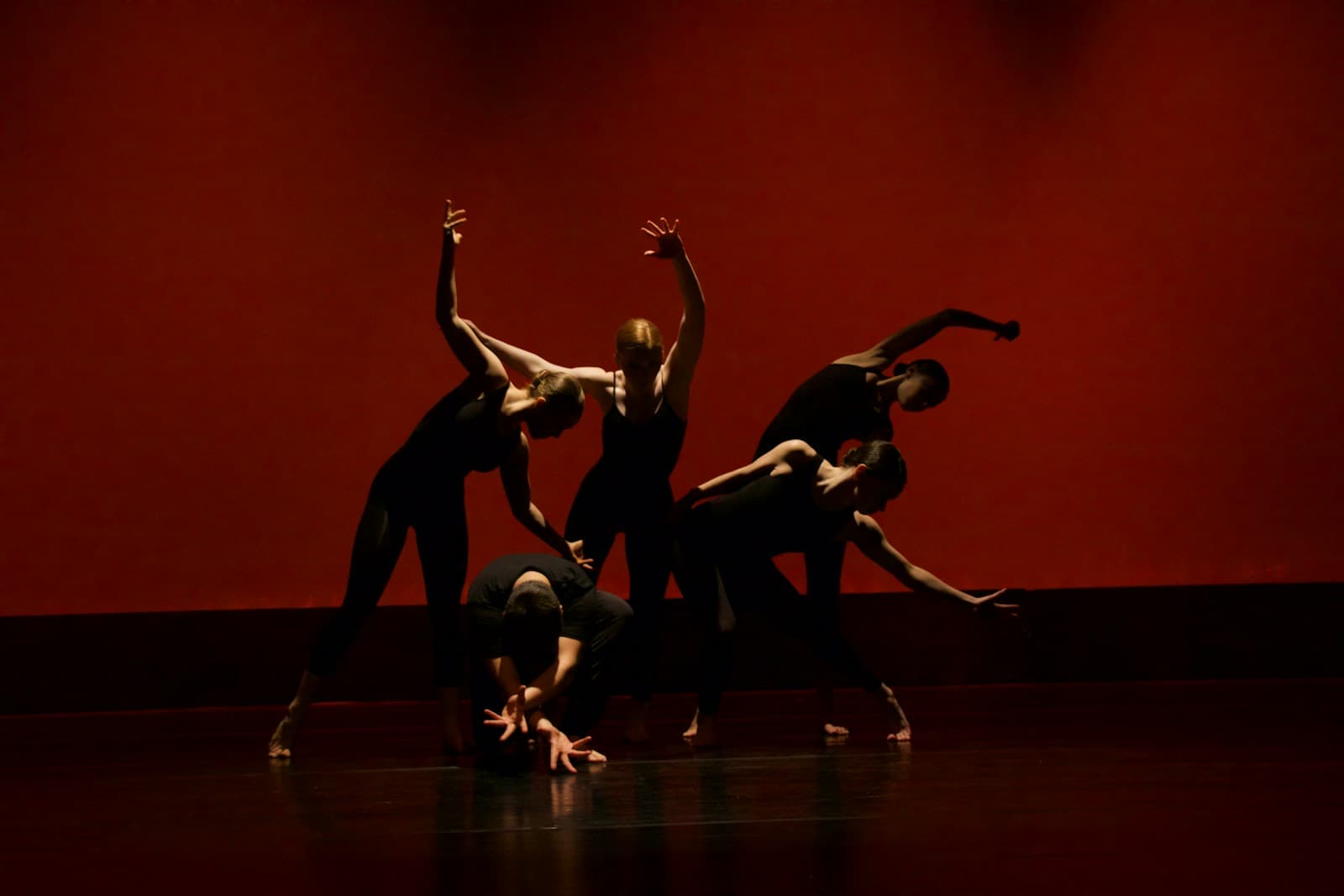
Dance Recital Planning: The 12-Week Timeline That Removes Last-Minute Chaos
A 12-week production timeline for dance studio recitals — from venue booking to costume deadline to tech rehearsal.
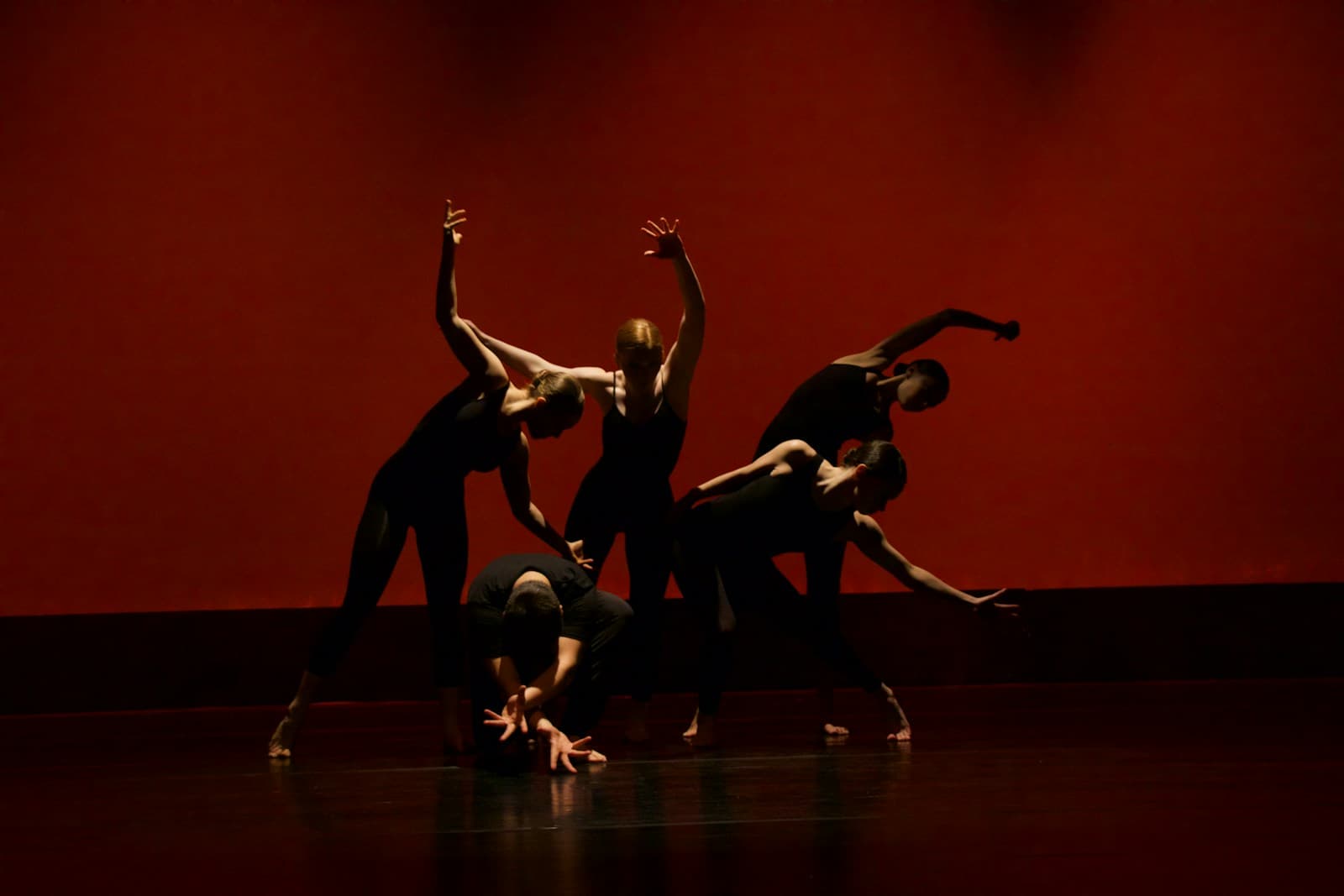
Dance Studio Class Scheduling: Fixing the Age-Group Conflicts That Empty Your Rooms
The scheduling conflicts specific to dance studios — age overlaps, discipline room collisions, recital rehearsal blocks — and how to resolve them.

Dance Studio Front Desk Training: Handle Enrollment Questions Without Pressure
Scripts for the enrollment, pricing, and complaint conversations dance studio front desks face every week.