Salon Suite Software: Booking and Payments for Independent Stylists
How to choose a salon suite booking app: deposits, card-on-file fees, reminders and rebooking set up for independent stylists renting their own suite.
A salon suite booking app has one job: protect a calendar that only you fill. In a suite there is no front desk, and the Bureau of Labor Statistics counts a large share of hairstylists and cosmetologists as self-employed. Set up the HRCR loop (Hold, Remind, Charge, Rebook) and the app covers the desk you don't have.
Why does a suite renter need different software than a salon?
You are the receptionist, the manager, and the stylist at once, so the app has to make decisions while your hands are in foils.
Salon software assumes someone sits at a desk. That person answers the phone, confirms tomorrow's book, and chases the client who ghosted. In a suite, it's 2 p.m., your balayage client is processing, and a DM asking about Saturday sits unread for three hours. By the time you reply, she has booked somewhere else.
The rule that works: if you would answer a question the same way twice, the app answers it. Prices, availability, deposit terms, parking directions. You handle only the conversations that need judgment.
What is the HRCR loop?
HRCR is four automatic locks on every appointment: Hold with a deposit, Remind on a schedule, Charge correctly at checkout, Rebook before they leave.
Each lock fixes one specific leak:
- Hold: a deposit turns a casual booking into a commitment.
- Remind: confirmations show you an empty slot while you still have time to fill it.
- Charge: the payment method you choose changes what you keep.
- Rebook: the next appointment goes in before the current one ends.
If one lock is missing, the other three work harder. The sections below set each one up with real thresholds.
How much deposit should an independent stylist take?
Take a flat deposit sized to the chair time you'd lose, not a percentage, and apply it to the final ticket at checkout.
Percentage deposits break the moment a service changes at consultation. A client books a $90 gloss, you agree on a $180 color correction, and now the deposit math looks wrong on her receipt. A flat amount stays simple.
A practical tier: $20 for anything under 90 minutes, $50 or more for color, extensions, or any block over two hours. Then add one exception many stylists miss. Waive the deposit for regulars with three or more kept appointments and require it only from new clients. Your loyal clients feel trusted, and first-timers, who carry more of the no-show risk, are covered.
Know what collection costs. On Square's published fees, online payments on the Free plan run 3.3% plus 30¢, so a $25 deposit costs about $1.13 to collect.
What reminder schedule actually cuts no-shows?
Send a confirm-required message 48 hours out, a plain reminder the morning of, and treat no reply by 24 hours as a fillable slot.
The 48-hour timing exists because many cancellation policies use a 24-hour line. Confirming at 48 hours gives you a full day to fill a gap before your policy even applies. At 24 hours with no reply, send one personal text. Still silent? Offer the slot to your waitlist.
For appointments booked more than three weeks ahead, add a seven-day reminder. Color clients who booked six weeks out at the chair are the ones who forget.
When someone no-shows, text within the hour, not the next day: "Missed you at 2, everything okay? I can move you to Thursday at 4." Same-hour contact often saves the relationship and the rebooking. Bring up the fee after you know what happened.
Which card fee applies when you charge the client?
The same $120 service costs three different amounts to process depending on whether the card is tapped, paid online, or charged from file.
Using the Free plan rates on Square's fee page:
Here's what usually gets missed. Many stylists auto-charge the stored card at checkout because it's one tap on their own phone. If the client is still in the chair, have her tap instead. That saves $1.08 per $120 ticket. At 20 such tickets a week over 48 working weeks, that comes to $1,036.80 a year (illustrative math using the rates above). Save card-on-file charges for no-show fees and late cancellations.
How should the app handle tips and product sales?
Prompt tips on the client's screen at tap time, and ring retail on the same ticket so your sales history stays complete.
Tips that arrive through a separate payment app leave you rebuilding your income from two sets of records at tax time. Keep tips in one place.
Set tip presets to calculate on the service subtotal only. Clients resent being asked to tip on a $32 bottle of shampoo, and some will lower the whole tip to compensate. Ring retail on the same ticket anyway so you can see which clients buy product. That list shows you who to tell when a restock arrives.
What does rebooking at the chair look like in practice?
Rebook during the blow-dry, not at checkout, by naming a specific date that matches the service cycle instead of asking whether they want to.
At checkout, the client is reaching for her keys. During the blow-dry she's relaxed and looking at you in the mirror. Use typical cycles: root touch-ups at four to six weeks, men's cuts at three to four, extension move-ups at six to eight.
The script: "Your roots will show around the 18th. I have Tuesday the 19th at 10 or Thursday the 21st at 4." Two options, both specific. "Do you want to book your next one?" invites an "I'll text you."
For clients who leave without booking, schedule an automated nudge for one week before their cycle ends. The beauty client retention playbook covers what to do when they still don't respond.
How do you keep your own money and taxes clean in a suite?
Run every payment through one app, pay yourself on a fixed day, and move a set tax share into a separate account each week.
The IRS sets self-employment tax at 15.3% (12.4% Social Security plus 2.9% Medicare), and you file Schedule SE once net earnings reach $400. That's on top of income tax. Ask a tax professional what share to set aside for your situation, then automate it.
Time your suite rent transfer for the day after your busiest day. If Saturday is your biggest day, schedule rent for Monday so payouts have cleared.
What should you check before committing to a salon suite booking app?
Test it as a client first: book, pay a deposit, cancel, and rebook from your phone in under three minutes, then test the stylist side.
Client-side checks:
- No download required. The link should open in a browser from your Instagram bio or Google profile. The local SEO guide for beauty studios explains where that link earns bookings.
- Abandoned bookings are visible. Clients who stop at the deposit screen are warm leads. The abandoned checkout recovery approach applies directly.
Stylist-side checks:
- Processing-time gaps. A 2.5-hour color often has a 35 to 45 minute processing window. The app should let a men's cut book into that gap automatically.
- Client list export. If you leave a franchise suite location, your clients should come with you as a file you can download.
- Fee structure. Add up the monthly fee and the per-transaction rates against your real weekly volume, not the plan's headline price.
Run your studio on Zatrovo
Deposits, confirm-required reminders, and processing-time gaps built for stylists working solo in a suite.

We write playbooks for studio operators — based on data from thousands of studios running on Zatrovo across pilates, yoga, lash, nail, massage, salon, dance, and fitness.
Related reading
Barbershop Booking Software: Walk-Ins, Chairs, and Rebooking Tools
Barbershop booking software has to serve walk-ins, chair renters, and rebooking at once. Here is how to pick one and run it without losing Saturday.
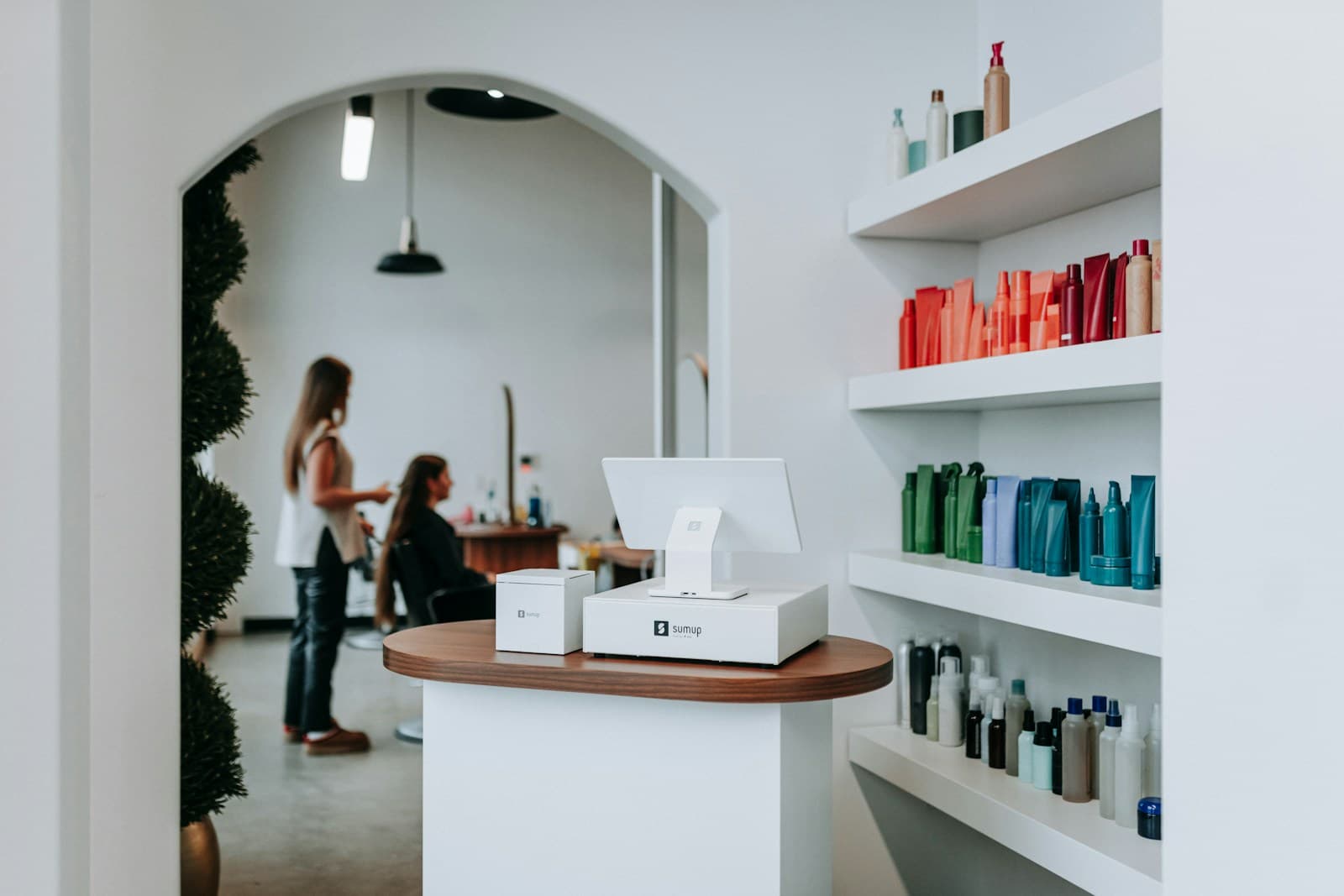
Hair Salon Booking Software: 8 Features That Actually Reduce No-Shows
Booking features that specifically reduce no-shows in salons — deposit capture, automated reminders, and cancellation flow.
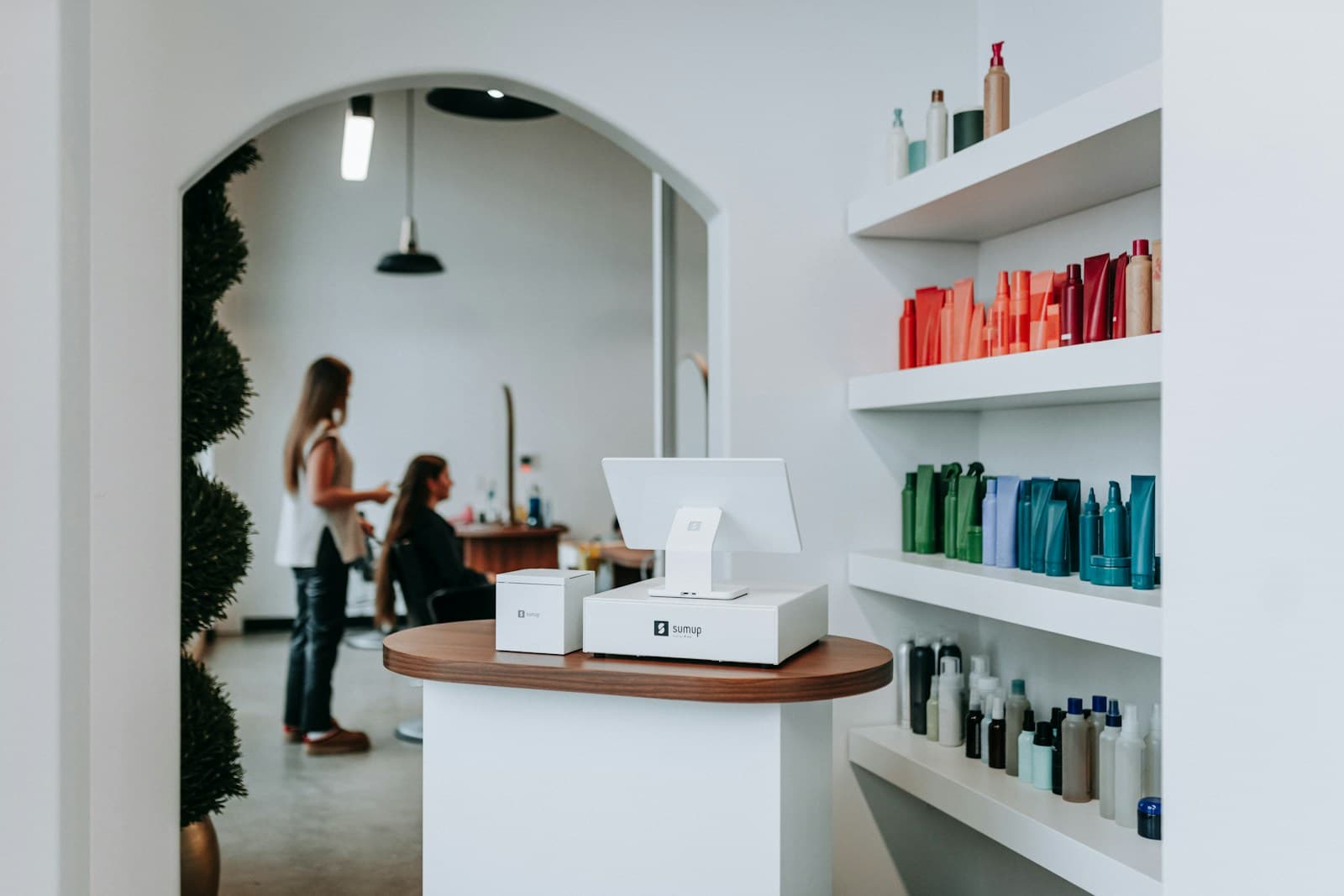
Switching Salon Software Without Losing Client History or Appointments
A migration plan that preserves client notes, appointment history, and recurring memberships during a salon software switch.